Five-star rating on Tripadvisor
4.5
Tripadvisor rating star
Trustpilot

Order and pay from the table.
It’s that simple.

Your customers browse your restaurant menu, order, order again and pay from their phone. Every order goes straight to Last.app and the kitchen, so your team can focus on service.

About Last QR

Last.app QR connects every table directly to your restaurant’s entire operation, from ordering to the kitchen.

Digital menu
Your menu is always available from your customers’ phones.
Shared ordering
Multiple guests can order from their own phones.
Connected
Orders go straight to your POS and the kitchen.
Order and pay
Your customers manage their order right from the table.

From table to kitchen. No middleman.

Your customers order whenever they’re ready. Your team receives every order directly in Last.app, without having to step in at every stage.

01

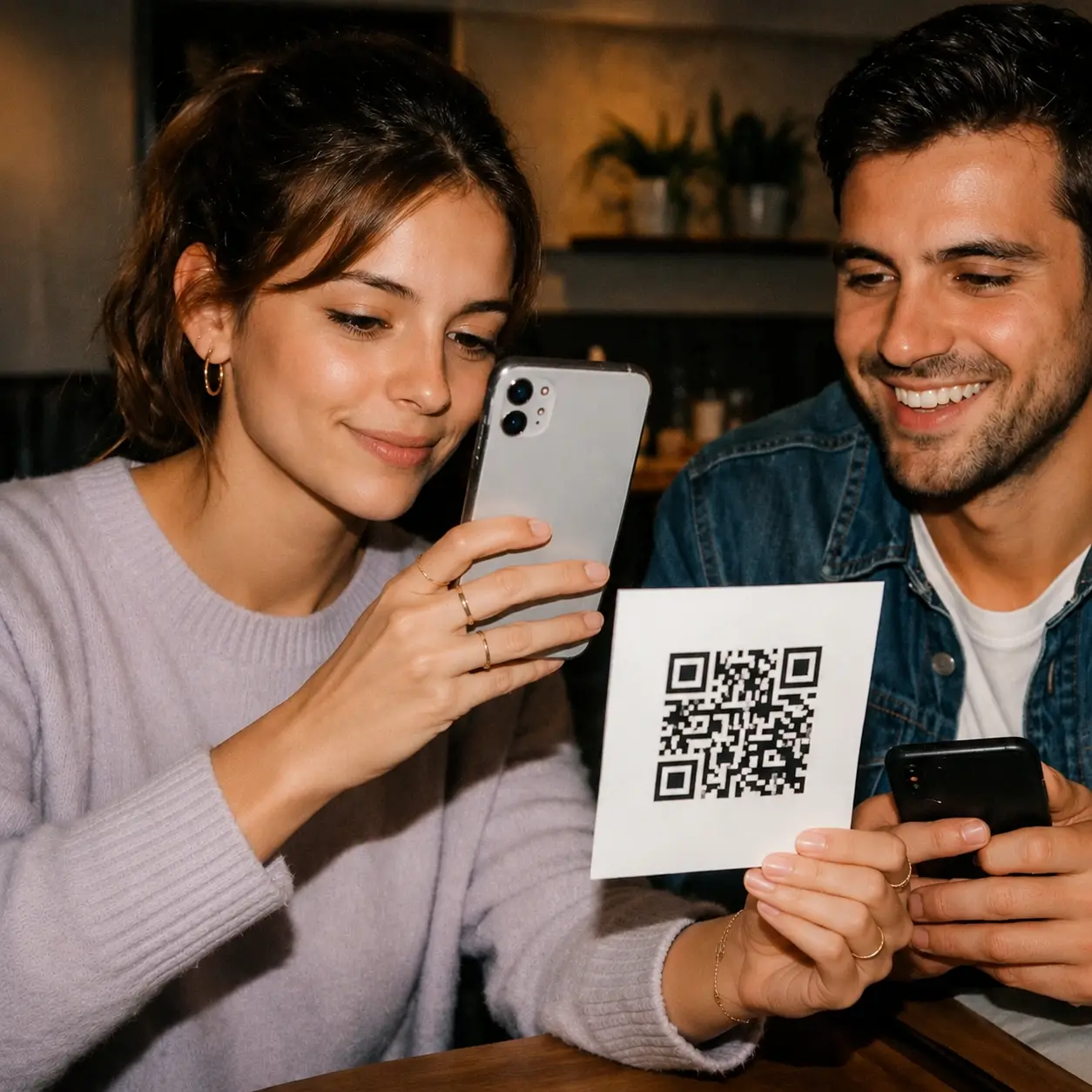
Scan the QR code at the table

The QR code identifies the table and opens your digital menu directly on their phone.
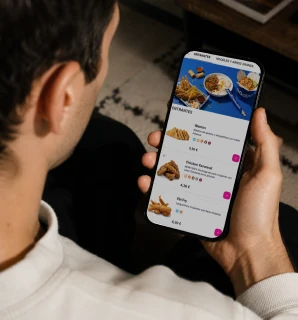
Customer browses a restaurant's online menu on their phone
02

Everyone orders from their phone

Each guest adds items from their phone to the same cart, synced in real time.
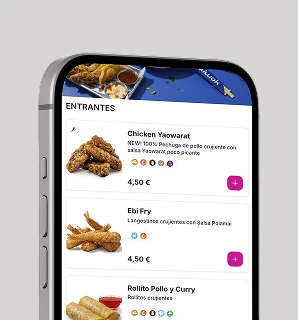
Last Shop menu showing products and prices on a mobile phone
03

Orders reach your POS

The order is linked to the table and sent to your POS and kitchen, ready to be prepared.
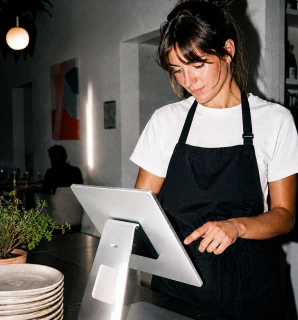
Restaurant worker manages orders from the Last.app POS

It’s more than a QR menu. It’s part of your service.

QR supports the entire table experience: from the first order to payment, while your customers keep ordering and the kitchen keeps working.

01

Everyone orders their own. It all goes on the same bill.

Several customers can scan the QR code and add items from their own phones to the same basket in real time.


Shared basket Multiple phones Real time
02

Ordering more should be this easy.

One round goes to the kitchen. Then come more drinks. Later, desserts. Your customers can see what they have already ordered and keep adding items to the same bill.

Open bill Continuous ordering Connected to the kitchen
03

No wondering whether the order went through.

Once the order goes through, your customers receive a confirmation and know the kitchen is already working on it.

Confirmation Sent to the kitchen No uncertainty
01

Everyone orders their own. It all goes on the same bill.

Several customers can scan the QR code and add items from their own phones to the same basket in real time.

Shared basket Multiple phones Real time
02

Ordering more should be this easy.

One round goes to the kitchen. Then come more drinks. Later, desserts. Your customers can see what they have already ordered and keep adding items to the same bill.

Open bill Continuous ordering Connected to the kitchen
03

No wondering whether the order went through.

Once the order goes through, your customers receive a confirmation and know the kitchen is already working on it.

Confirmation Sent to the kitchen No uncertainty

Every visit picks up where the last one left off.

When your customers sign in, QR connects their orders to their account, promotions, points and previous orders.

01

They sign in

Customers sign in directly from the QR code and their order is linked to their account.

02

They use their benefits

They can check their points and use available promotions while placing their order.

03

They don’t start from scratch

Previous orders, details and saved payment methods are ready to make ordering easier.

04

Every visit comes with more context

Their activity stays linked to their account, making the next visit even easier.

The more you sell, the less you pay.

Your QR Ordering fee decreases based on the volume of payments processed, all the way down to €0.

Payments processed through QR

*The more you process through QR, the lower the fee. It can go all the way down to €0.

Con 610 € procesados through QR,
tu cuota es de €15.85.

Fee for the period
€15.85
On the way to €0 €610 / €1,670

You need €1,060 more in processed payments for the fee to drop to €0.

*Orders processed through QR are still subject to a 1.5% fee per transaction.

Frequently asked questions

1. What’s the difference between QR Menu and QR Ordering?

2. How much does QR Ordering cost?

3. Is there a fee on orders placed through QR?

4. Do I need to install tablets or any additional hardware to use LastQR?

5. Can I still take orders the traditional way if I use QR?

6. What payment methods can customers use through QR?

7. Can customers use their promotions and loyalty points through QR?