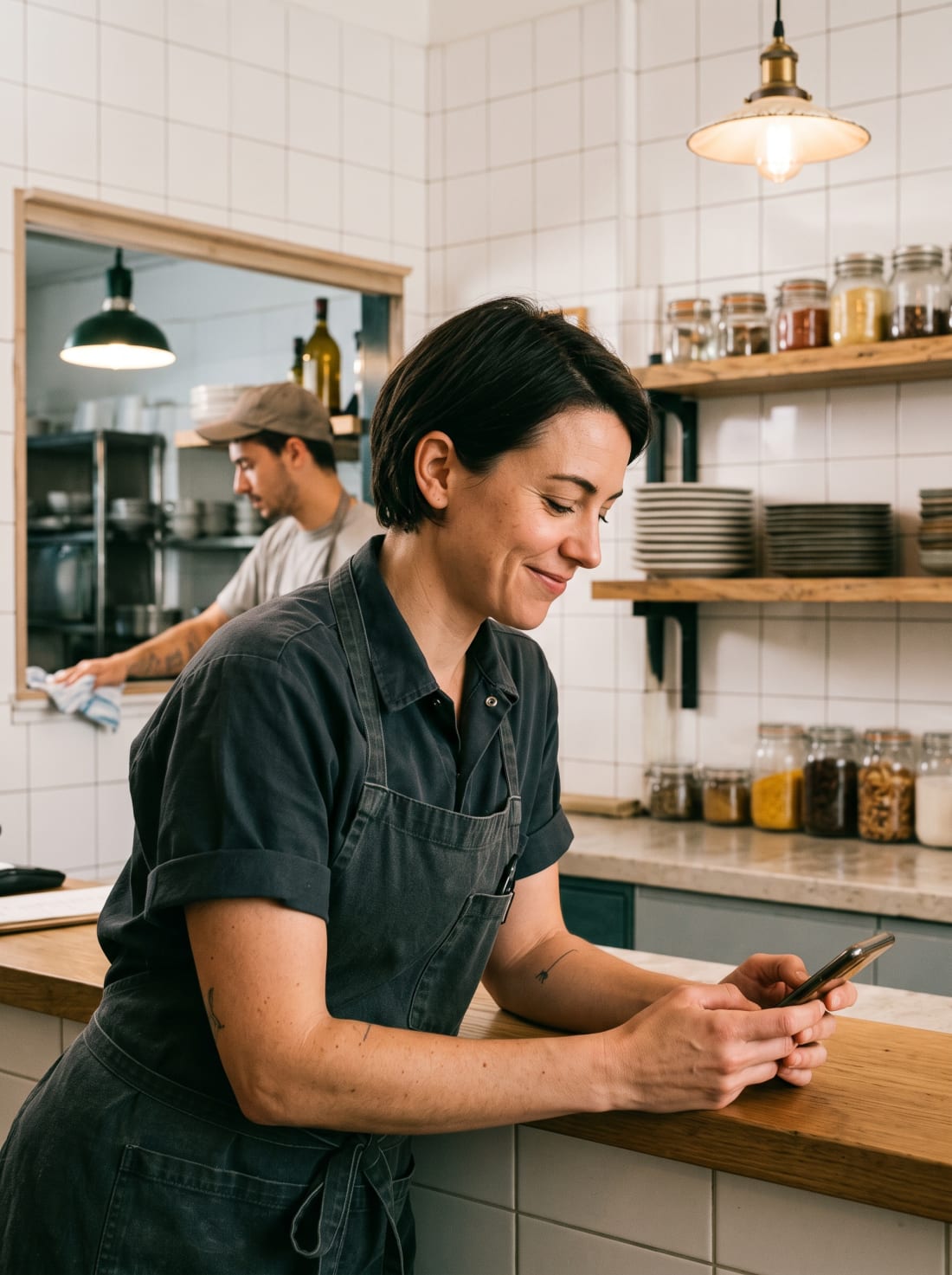
01 · MENU
Changes only when you confirm
Switch products on or off by location and change prices or selling hours. Supper shows you what will change and waits for you to confirm.
From the Supper button at the top right of the admin panel.
Products, combos, bookings or reports.
It gives you the figure or makes the change.
To the exact report, so you can keep digging.
You use it whenever the restaurant calls for it: before opening, mid-service or with the shutters half down.
You switch products on or off at each location, change prices and apply selling hours to several products at once. If a dish sells out mid-morning, you take it off without opening the catalogue.
“Turn off the Croqueta de cangrejo at this location”
You ask what the location has set up, from printers to integrations, and Supper shows you all of it in a single answer.
“Which printers does the kitchen have?”
You tell it which decision you're trying to make, and it takes you to the report that answers it, with a direct link.
“Which report should I check to plan staffing?”
You type in the same panel and Supper searches your account. The examples use Ratita Creativa's menu, the restaurant in our demo account.
Switch products on or off by location and change prices or selling hours. Supper shows you what will change and waits for you to confirm.
Ask for your best-selling products and Supper gives you the ranking for the period, by units or by revenue.
Supper groups the period's sales by channel and shows them in a chart, right there in the chat.
Alongside Supper, Last.app has an MCP connector so you can work with your data from Claude, Claude Code, Cursor, Windsurf or any compatible AI. From there you can check reports, review bookings, change products in the catalogue or open a support ticket. The AI reads the data straight from your account, so there's no need to export anything.
To connect it, create an MCP connection in your AI tool, add the Last.app address and authorise access.
Connect my AI
https://api.last.app/mcp

 Cursor
 Windsurf

Tell us how you work and which tasks eat up most of your time. We'll show you Supper on an account like yours and work out together what you can hand over to it.
If your question isn't here, or the answer depends on how your restaurant works, we'll go through it with you.
Supper is an easier way to work with Last.app: you ask for what you need in your own words. It answers questions about the admin panel, looks up your restaurant's data and reports, and makes configuration changes such as prices, selling hours or which products are active.
At the top right of the Last.app admin panel: press the Supper button and type your request. All admin panel users have it, but it isn't available in the POS.
It can switch products on and off by location, change prices across the board or in a specific catalogue, set selling hours, and edit the name, price and products of your combos. It can also look up bookings, devices, printers and integrations.
Yes. Before it applies a change, Supper shows you what will change, for example a product going from Active to Inactive, and waits for you to press Confirm or Cancel.
The data in your Last.app account: your menu, your reports, your bookings and the settings for each of your locations. What each person can look up depends on their user permissions.
Nothing. Supper is free and included for every Last.app customer.