The complete guide to opening a full-service restaurant · The Setup

Opening a full-service restaurant is beautiful, sure — but it's also a contact sport. You've got a dining room, a kitchen, reservations, tables turning, orders changing mid-service, servers who need to move fast, managers who need to know what's happening, and guests who expect everything to flow like it's effortless. Spoiler: it isn't. That's why getting the technology right from day one isn't a luxury — it's a pretty sensible way to prevent fires before they start.
Welcome to The Setup, the series where our team of experts designs the perfect setup for every type of hospitality business. We recommend the right tools and hardware so your tech stack is dialed in before you open, scale, or bring some order to that restaurant that works — but that you know could work a whole lot better.
This time we asked our team for their must-haves for a full-service restaurant — the format where the experience happens at the table, service has to be coordinated, and every minute counts. Because in a full-service restaurant, selling well isn't enough. You also need to take orders without mistakes, communicate with the kitchen without shouting, manage shifts, understand the numbers, and make sure the team isn't running on the memory of someone ten hours into their shift.
If anything defines a full-service restaurant, it's the need to coordinate the dining room, kitchen, and management without each part going rogue. That's why Daniel Belso, Restaurant Ops Success Manager at Last.app, is pretty clear about it: the ideal setup starts with four core pieces — a solid POS, a handheld order taker, reporting and analytics, and a time tracking system that keeps the team organised from day one.
But first — what exactly is a full-service restaurant?
A full-service restaurant is a format where guests experience the full journey at the table: reception, seating, order taking, timed courses, attentive service throughout the meal, and a final bill. In short, the classic restaurant model. The operation isn't just about serving great food — it's about coordinating the floor, kitchen, bar and checkout so each table moves with rhythm, control and a seamless experience.
Now let's get into the essential tools for a full-service restaurant.
| Tool | What it does in a full-service restaurant | Why we recommend it | Type |
|---|---|---|---|
| POS | Centralises tables, orders, payments, shift close-outs and sales in a single control point. | It's the foundation of daily operations. Without a solid POS, the dining room, kitchen and management start going their own way — and we all know how that film ends. | Essential |
| Handheld order taker | Lets servers take orders at the table and send them straight to the POS or kitchen. | Reduces errors, cuts out unnecessary back-and-forth, and helps the floor team work faster with less reliance on heroic notepads. | Essential |
| Reports & analytics | Shows sales, performance by time slot, top-selling items, shifts and key business data. | Helps you make decisions based on real information — not gut feeling, memory, or that dangerously misleading sense of "I think Saturdays are going well." | Essential |
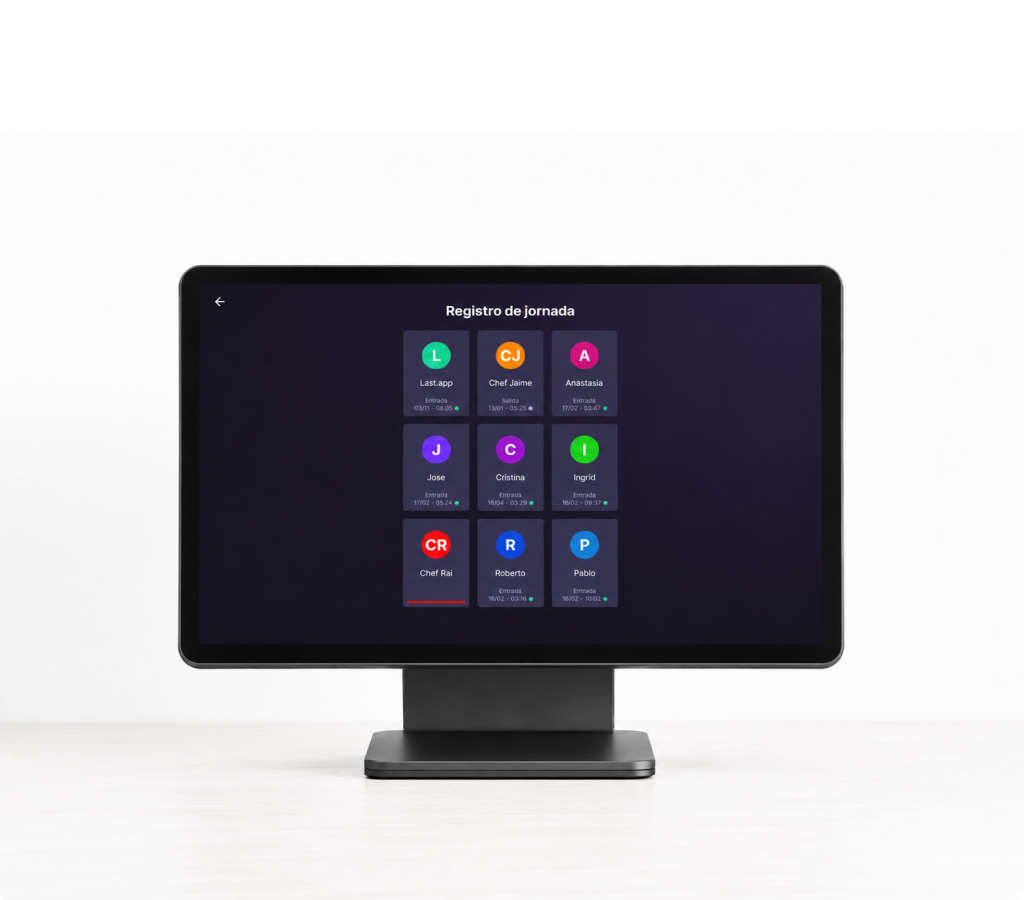
| Time tracking | Logs team clock-ins and clock-outs, organises shifts, and helps keep staff management under control. | Beyond keeping operations tidy, it covers a legal requirement in Spain. And the cleaner the records, the fewer headaches down the line. | Essential |
| KDS | Organises kitchen orders through screens, by course timing, stations and priorities. | Very useful if the restaurant gets high volume, has multiple pass stations, or a kitchen that's starting to collect tickets like trading cards. | Recommended |
| The Book | Manages reservations, seatings, dining room occupancy, waitlists and table organisation. | A natural fit for restaurants where filling the floor well, managing seatings and delivering a great experience before the guest even arrives is part of the game. | Recommended |
| Guest database | Centralises guest information, habits, visit frequency and useful data for future outreach. | Turns every visit into actionable knowledge — because there's no good reason to treat your weekly regular the same as someone who just discovered you. | Recommended |
| Stock | Helps track product, inventory, consumption and potential waste. | Especially worthwhile if you have a broad menu, expensive ingredients, or a kitchen where losing track of stock gets uncomfortable pretty fast. | Recommended |
| Marketing & promotions | Lets you run campaigns, promotions and actions to drive repeat visits or fill slow periods. | Helps you grow with a bit more intention than posting on Instagram and hoping for the best. | Recommended |
| QR order & pay | Speeds up payments, reduces wait times and can give guests more autonomy at specific moments during service. | Used well, it adds convenience and table turnover without quietly turning your full-service restaurant into a self-service operation. | Recommended |
Bar tip: start with the essential tools and add the recommended ones based on volume, service style and how much chaos you'd like to avoid.
The foundation — a POS is not a glorified cash register
The first building block of this setup is the POS — because in a full-service restaurant, everything ends up running through it. Tables, orders, sales, split bills, payments, shift close-outs, and that wonderful end-of-day tradition of discovering something doesn't add up. All of it needs a reliable operations hub.
As Daniel Belso puts it: "The POS can't just take payments and print receipts. It has to organise service, connect tables to the kitchen, act as the nerve centre for every device and sales channel, and give the team a tool that helps manage stock in real time. If you're only using it to charge, you're wasting counter space that could fit more bar stools."
In a full-service restaurant, the POS is the real-time map of your operation. It tells you which tables are open, what's been ordered, what still needs to be paid, and how service is moving — without having to chase anyone across the floor. And when the pace picks up, which it will, having that information centralised is what separates a smooth operation from a pretty questionable choreography.
Handheld order taker — time to retire the notepad
The second essential is the handheld order device — the tool that lets the floor team take orders directly at the table and send them to the POS or kitchen without unnecessary steps. In a full-service restaurant this isn't a nice-to-have — it's one of those things you notice when it works and suffer badly without.
The handheld order taker reduces errors and helps service move without depending on notes scrawled in a rush, tickets that disappear, or orders shouted across a noisy room. The server takes the order, modifies it if needed, adds notes for the kitchen, and sends it where it needs to go. Less back-and-forth, less confusion, more time for the guest — which is ultimately more profitable than playing broken telephone between the floor and the kitchen.
A handheld device also brings structure and clarity to operations, especially when the restaurant runs multiple zones, dishes going out at different times, or specific kitchen instructions. Fewer lost tickets, fewer notes buried in a notepad, fewer "who ordered this?" moments mid-service. And if you add a KDS later, that structure becomes even more powerful — the kitchen can work by station, course timing and priority without relying so much on paper.
Reports and analytics — stop managing by gut feeling and start looking at reality
The third piece of the setup is reports and analytics — because running a restaurant without looking at data is a bit like driving at night with the headlights off. Exciting? Maybe. Recommended? Not really. You need to understand what's happening with sales, which dishes are working, which parts of the day are busiest, which shifts perform best, and where opportunities are slipping away.
Reports aren't about turning restaurateurs into spreadsheets with legs. They're about giving you visibility to make better decisions without having to reconstruct your restaurant's entire history by hand every week. If a dish sells a lot but leaves little margin, if some days are busy but not particularly profitable, if a time slot is growing or if patterns keep repeating — you need to see that clearly.
For a full-service restaurant, this layer of information is especially important because there are so many variables at play. It's not just about selling more — it's about selling smarter, organising the team better, adjusting schedules, understanding how the dining room behaves, and having a less emotional read of the business. Gut instinct is great, but it tends to cause fewer dramas when backed by data.
Time tracking — because the team is part of the system too
The fourth essential is time tracking. And no, it's not here for the sake of a longer list. It's here because recording when staff clock in and out is a legal requirement in Spain for all businesses — including restaurants, bars, cafes and any hospitality venue with employees. If you want to get into this without drowning in legal jargon, here's the article on how to comply with time tracking regulations in restaurants without the headaches.
But reducing time tracking to "avoiding fines" would be selling it short. In a restaurant with a full floor team, people are clocking in and out, swapping shifts, covering absences, doubling up on services, and operating in a reality where schedules are almost never as clean as they look in the original spreadsheet. Having time tracking integrated lets you bring order to all that without turning staff management into an endless collection of papers, excuses and WhatsApp messages.
In a full-service restaurant, tracking time properly isn't just about ticking an administrative box — it's also about understanding how work is actually organised and getting a clearer picture of operating costs. If the restaurant relies on multiple people across the floor and kitchen, you need to know who's in, when they're in, and how shifts are being covered — without having to ask three times mid-service.
The extras that aren't really extras once the restaurant starts growing
Although the minimum setup for a full-service restaurant starts with POS, handheld order taker, reports and time tracking, there are additional tools that can make a real difference depending on service style, volume and business ambition. Here's where Dayra Le Royal, Growth Manager at Last.app, comes in — she looks at the restaurant from a different angle: not just how it runs internally, but how it builds visibility, drives repeat visits and develops a smarter relationship with its guests.
The KDS is one of the first upgrades to consider when the kitchen starts handling high order volume or the pass needs more control. Instead of relying on printed tickets, the kitchen works with a screen showing orders, timings and priorities at a glance. For high-volume restaurants, this can dramatically improve coordination between the floor and kitchen — especially when pressure builds and every minute starts to count.
The Book, the reservations system, also fits naturally in restaurants where dining room occupancy is key. If you work with seatings, reservations, waitlists or tables that need constant reorganisation, having this part digital helps avoid chaos at the door and makes the most of every service.
Dayra puts it like this: "It's not just an improvement for managing the dining room — though it is that too. It gives you serious digital exposure, helps you rank on Google Maps, and makes it much easier for guests to find you and actually show up. For me, it's almost essential for 90% of hospitality businesses."
The guest database comes into play when you want to know your guests better, spot patterns, segment communications and build a smarter relationship with the people who come back. It's not about collecting data for the sake of it — it's about turning each visit into useful information that improves the experience and stops you treating your weekly regular exactly like someone who just found you for the first time.
Stock can be a great ally if the restaurant has a broad menu, high-cost ingredients, or an operation where waste can get out of hand quickly. And if you want to drive repeat visits or activate slow periods, Marketing and promotions can help you run campaigns without improvising discounts like you're throwing confetti.
Finally, QR order and pay can be useful in certain restaurant styles — especially if you want to speed up payments, increase table turnover, reduce wait times or give guests more autonomy without turning your full-service restaurant into a covert self-service. Used well, it adds convenience without killing the experience.
What hardware does a full-service restaurant actually need?
| Hardware | Type | System | Approx. price | What it covers | When it makes sense |
|---|---|---|---|---|---|
| Sunmi D3 PRO | POS device | Android | ~€450 | POS | For the bar, reception or main checkout point. A solid choice if you want an operations hub built for the daily rhythm of a restaurant with a proper dining room. |
| Samsung Galaxy XCover 7 | Handheld order taker | Android | ~€200–350 | Order device | A great floor option if you want a device that's durable, comfortable and built to handle the real demands of service — not just look good on a spec sheet. |
| Sunmi L2S / V2S | Handheld order taker | Android | ~€200–270 | Order device | A good fit for floor teams who need to take orders fast, send them through and work with a device purpose-built for hospitality. |
| POCO M7 | Handheld order taker | Android | ~€100–120 | Order device | A budget-friendly way to go digital on order taking without a big upfront investment. You don't need the nicest phone — you need one that works well under pressure. |
| SUNMI D2S KDS | KDS screen | Android | ~€500 | KDS | Worth considering when the kitchen starts receiving high order volume, has multiple pass stations, or needs to organise production by timing, station and priority without depending so much on paper. |
Bar tip: the best hardware isn't the flashiest — it's the one that holds up through service, responds fast, and doesn't make the team want to throw it out the window at ten at night.
We're not going to pretend there's one perfect hardware setup for everyone — there isn't. It depends a lot on budget, your preferred operating system and how the dining room is laid out. That said, for a classic full-service restaurant with table service, servers taking orders and a team that needs tools that are durable, fast and easy to use, there is a combination that makes a lot of sense.
For this part we consulted Sarper Erel, Product Lead at Last.app — because hardware isn't just about buying devices, it's about choosing pieces that fit the operation and don't become another problem when the restaurant is full. As Sarper puts it: "The best hardware for the floor isn't the most impressive-looking — it's the one the team can use fast, without overthinking it, and that doesn't fall apart at the first real test of hospitality life."
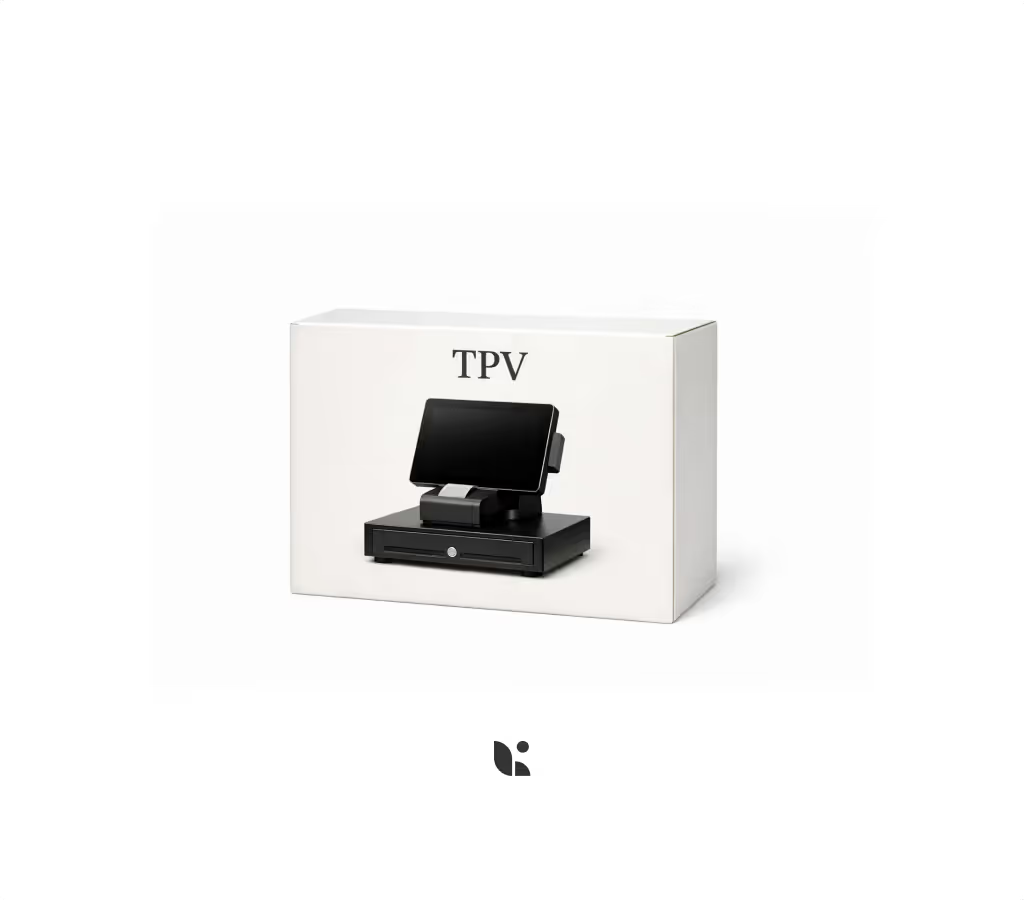
For the main point of sale, a strong option is the Sunmi D3 PRO — an Android POS device designed to operate from the bar, reception or checkout. It's a solid choice for the main POS station, especially if you want a dedicated device ready for the daily pace of hospitality.
For the floor team, the handheld order device works very well on devices like the Samsung Galaxy XCover 7, Sunmi L2S or V2S, or even the POCO M7 if you're looking for a more budget-conscious option. The key here isn't buying the nicest phone — it's choosing a device that's comfortable, durable and responsive enough that servers can take orders without fighting the screen at every other table.
If the restaurant has a high-volume kitchen, multiple pass stations or a clear need to organise production, adding a SUNMI D2S KDS screen can be a very smart move. Not every full-service restaurant needs a KDS from day one — but once the kitchen starts piling up tickets, a well-configured screen can prevent a lot of errors and more than a few tense conversations.
The recommended setup for opening smart
For a full-service restaurant that wants to open with a solid technology foundation, our recommendation starts with the core combination of POS, handheld order taker, reports and analytics, and time tracking. With that, you have floor operations covered, order taking handled, basic staff management sorted, time tracking compliance in place, and a business read — which is already more than a lot of restaurants that have been running on workarounds for years.
From there, depending on the type of restaurant and expected volume, you can layer in: KDS if the kitchen needs more control, The Book if reservations matter, Stock if you want tighter product oversight, the guest database if you want to build smarter guest relationships, QR if you want to speed up payments or specific order moments, and Marketing and promotions if you want to run campaigns without relying entirely on "we'll post something today and see what happens."
The idea isn't to fill the restaurant with technology for its own sake. The idea is to build a system that actually fits the way a full-service restaurant works — one that reduces friction where friction usually lives, and gives the team tools that make a real difference during service, not just on the vendor invoice.
Because a good tech setup doesn't work magic. But in hospitality, it does something pretty close: it helps service flow, errors go down, data appears when you need it, and you spend less time putting out fires and more time building a restaurant that actually works.